

INSIDE PHOTOSHOP
Astro Panel 2027
Your Photoshop, ready for landscape and astrophotography.
Masks, image fusion and targeted adjustments, without leaving Photoshop.
Requires Adobe Photoshop · Windows & Mac


ASTRO PANEL · SOFTWARE & PHOTOGRAPHY
Choose the right software for your workflow, or learn step by step with our photography courses.
Already a customer? Downloads, courses & licences →START WITH YOUR WORKFLOW
Inside Photoshop, in a standalone editor, or focused on your astro background.
INSIDE PHOTOSHOP
Your Photoshop, ready for landscape and astrophotography.
Masks, image fusion and targeted adjustments, without leaving Photoshop.
Requires Adobe Photoshop · Windows & Mac

WITHOUT PHOTOSHOP
Stack, blend and edit in a standalone application.
A dedicated workflow for calibration, stacking, multi-exposure photography and editing.
Standalone application · Windows & Mac

LOCAL AI · ASTROPHOTOGRAPHY
A more even background. More control over your image.
AI background extraction, gradient correction, stretch, colour and detail tools.
Mac Apple Silicon & Intel · Windows coming soon
COURSES & EDUCATION
A focused course, an annual Academy programme, or software and training together.

A COMPLETE NIGHT LANDSCAPE COURSE
From planning and equipment to shooting and Milky Way post-processing. Six video lessons and six PDF editions.
English & Italian · One-time purchase

LEARN THROUGHOUT THE YEAR
Photography and Photoshop with Marco Brugnoli and Angelo Perrone. Practical lessons and new sessions throughout the programme.
Lessons in Italian · Annual subscription
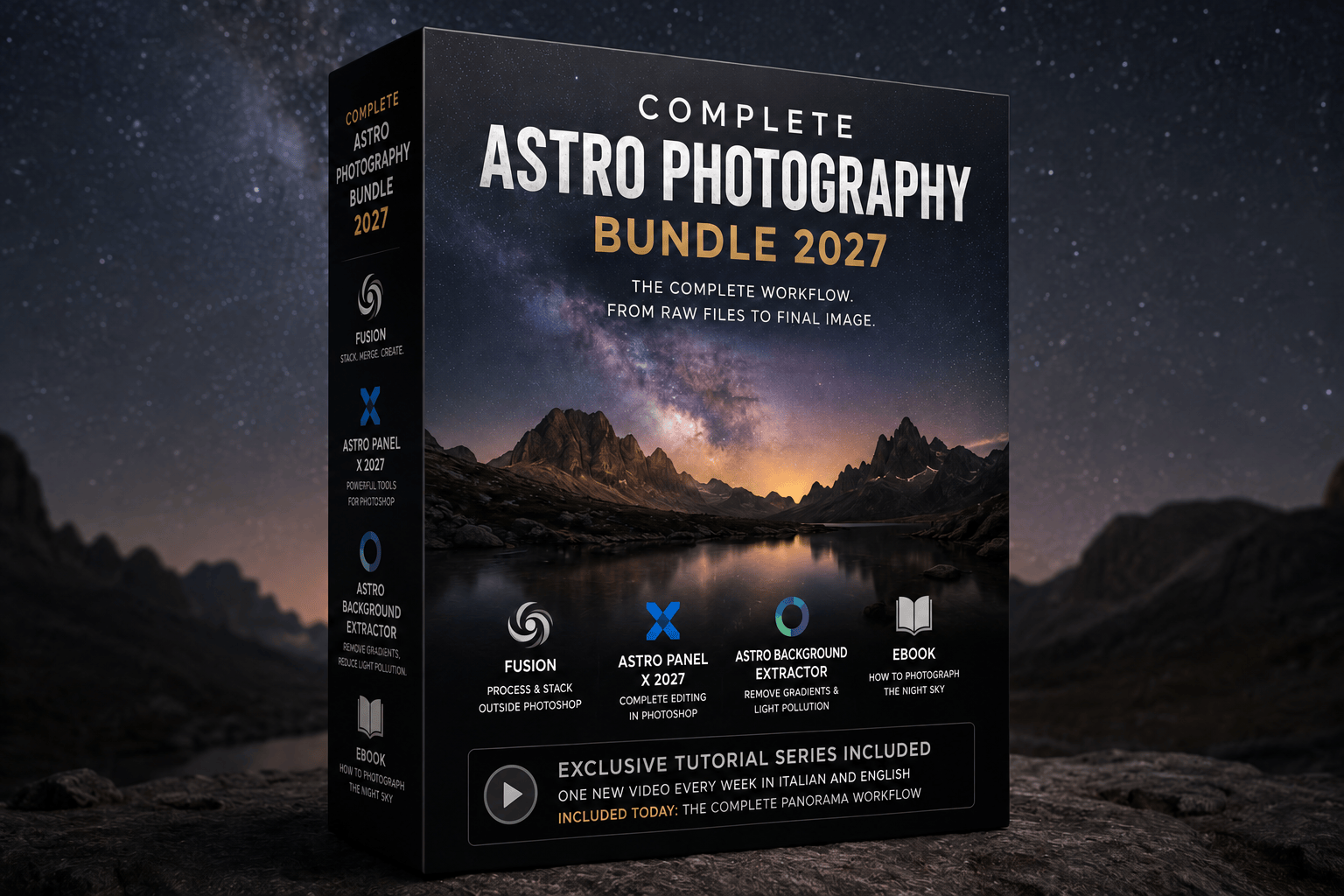
SOFTWARE + WORKFLOW COURSE
A software and education bundle with the Complete Workflow course, practical processing videos and eBooks.
English & Italian videos · One-time purchase

PHOTOGRAPHY IN THE FIELD
Discover the dates, locations and full programmes of our photography workshops.
Explore workshopsYOUR PHOTOGRAPHS. YOUR COMMUNITY.
Create albums, share your photographs with capture data, and ask AIRI how to improve your images.

CHOOSE YOUR ACCESS
Compare what is included before choosing.
AFTER YOUR PURCHASE
One place for downloads, courses, licences and support.
Use the same email address used for your order.
Find software in Downloads and your lessons in My courses.
Copy your key from Licence keys. Course passwords, where required, are in your purchase instructions.