Extraction + post-processing
Run AI Background to estimate the field, adjust the subtraction with Opacity, then develop the result. Inference runs locally on your computer.


AVAILABLE NOW · MAC APPLE SILICON & INTEL
Astro Background Extractor AI V2
Intelligent background extraction and a complete set of post-processing tools, together in one application. From linear astronomical data to your final colour and detail.

Less distraction in the background. More room for your signal.
Estimate and correct unwanted background variations, then refine contrast, colour, stars and details. Choose background extraction first, or start directly with post-processing.
ONE APPLICATION · TWO PATHS
Run AI Background to estimate the field, adjust the subtraction with Opacity, then develop the result. Inference runs locally on your computer.
Already have a corrected image? Move a slider and confirm to begin editing without running background extraction.
AI Background, gradient maps, vignetting correction, green-cast removal, MTF/STF stretch, black point, midtones, contrast and protection controls.
Global colour, HSL, nine Selective Colors groups, Star Defringe, star and structure sharpness, landscape texture, halo reduction and noise protection.
BUILT AROUND YOUR IMAGE
A locally estimated field, with control over the correction.
Bring out the signal. Decide how it is rendered.
Work on the whole image or an individual colour family.
Refine the subject and the space around it.
LOOK CLOSER
Before, After, Split View and Side by Side. A draggable divider, zoom and synchronised navigation let you evaluate the same detail. Adjustments are recalculated from the source held in memory, avoiding repeatedly stacking the same effect.
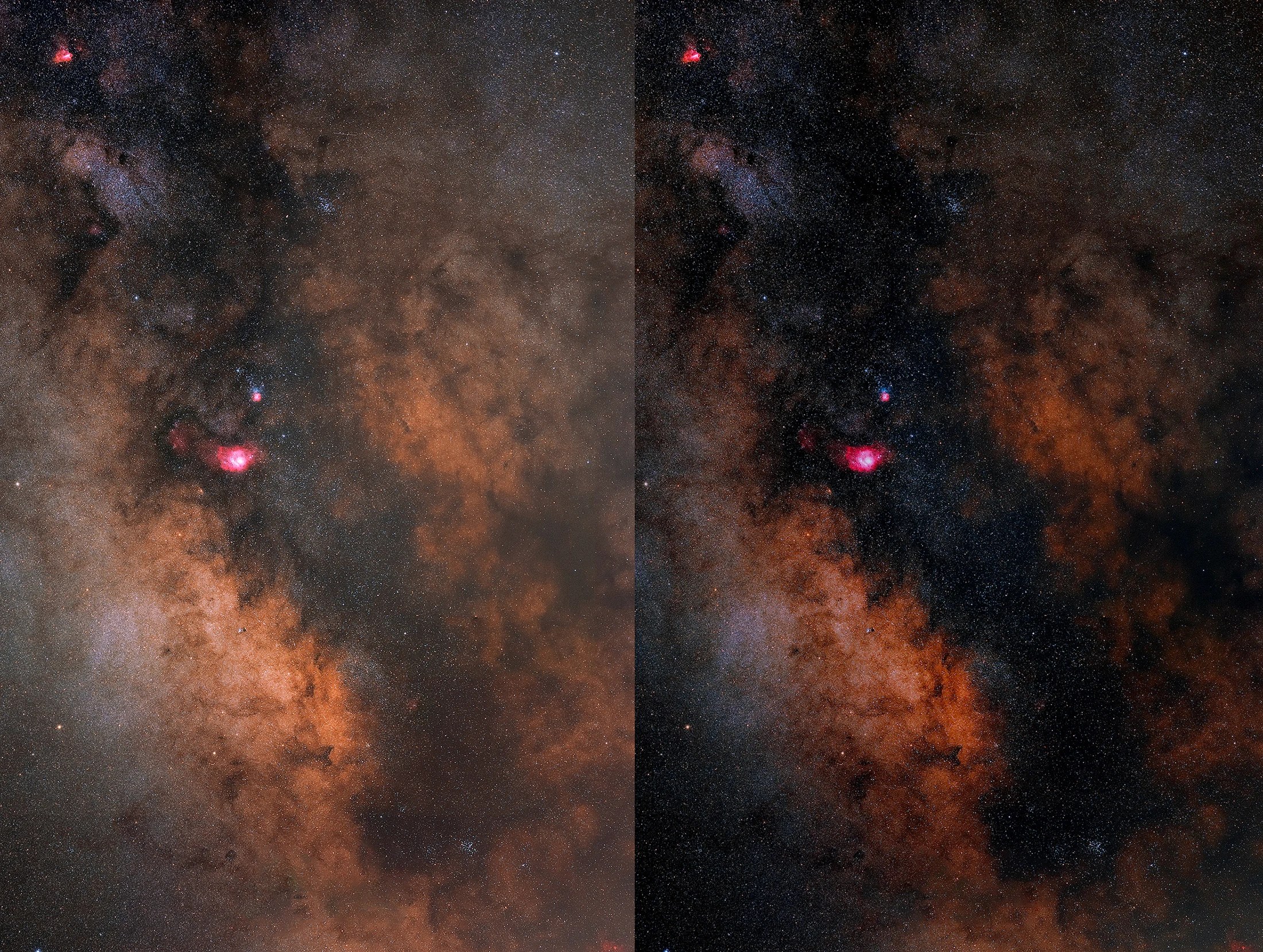
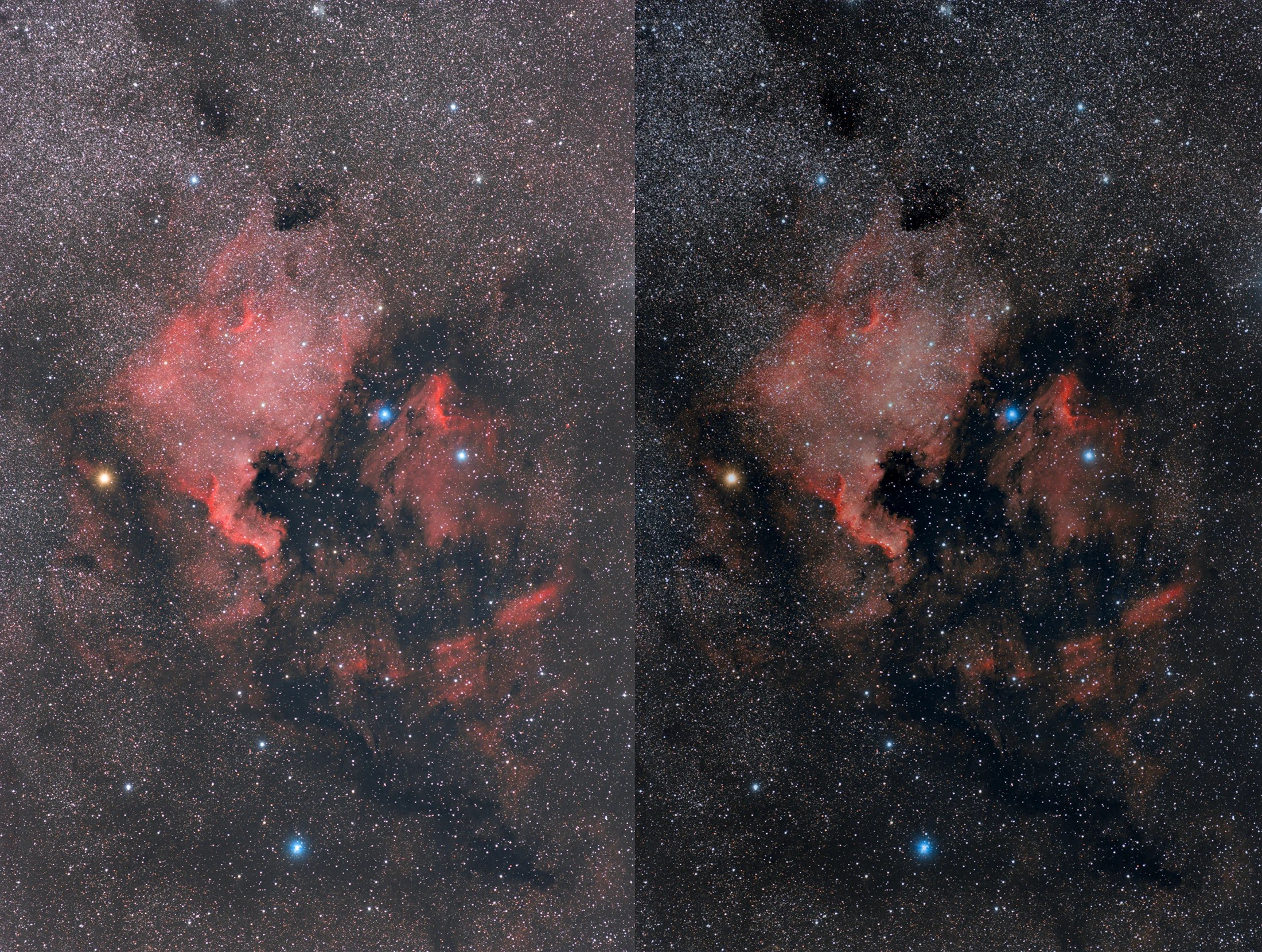
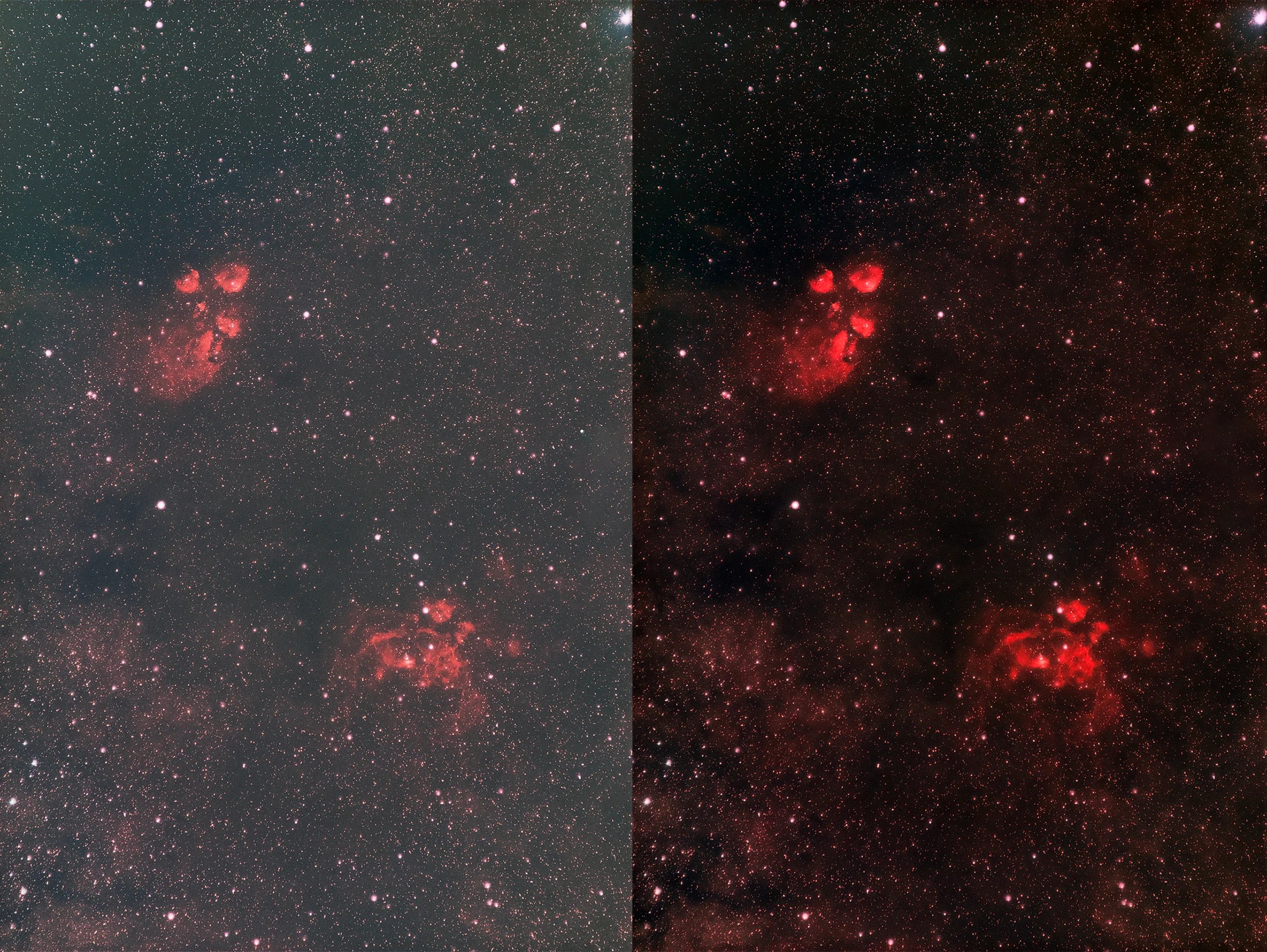
Reference processing examples from the previous version of Astro Background Extractor. They illustrate the correction workflow; they are not a benchmark or a screenshot of V2. Open an image to inspect it at full size.

ON YOUR COMPUTER. IN YOUR CONTROL.
Available for Mac Apple Silicon and Mac Intel, with local AI processing through CoreML. Windows with DirectML is coming soon.
Check compatibility ↓FROM CAPTURE TO EXPORT
TIFF · FITS / FIT / FTS · DNG · PNG · JPEG
RGB and monochrome images.
TIFF: 16-bit and 32-bit floating point. FITS: 32-bit floating point. PNG: 8/16-bit. JPEG. Configurable TIFF compression.
ICC profiles, colour spaces and rendering intent. Interface in Italian, English, Spanish, French, German and Portuguese.
PLATFORMS & ACCELERATION
| Platform | Acceleration | Current status |
|---|---|---|
| Mac Apple Silicon | CoreML · CPU & GPU | Apple Silicon distribution available. CoreML inference verified. |
| Mac Intel | CoreML | Mac Intel distribution available. CoreML backend; results and acceleration depend on the Mac model. |
| macOS through version 27 | Compatibility checks and cache support prepared | To be validated. Not yet certified as compatible. |
| Windows 10/11 | DirectML · DirectX 12-compatible NVIDIA, AMD and Intel GPUs | Coming soon. The Windows download is not yet available. |
On Mac, acceleration is provided through CoreML; the application does not expose a direct Metal backend. On Windows, the current backend is DirectML: using a supported NVIDIA GPU does not mean the application uses CUDA.
FREE PDF GUIDES · ENGLISH & ITALIAN
Download the official quick guides to explore the tools, two workflows, image formats and first steps. Free to read, with no account or purchase required.
Version 2.0 · 5 pages per guide · approximately 1 MB each
ASTRO BACKGROUND EXTRACTOR AI V2
Version 2.0.0 is available for Mac Apple Silicon and Mac Intel. Choose the package for your Mac from your account after purchase. Windows is coming soon.